
A direct switch in one keystroke to the language you need
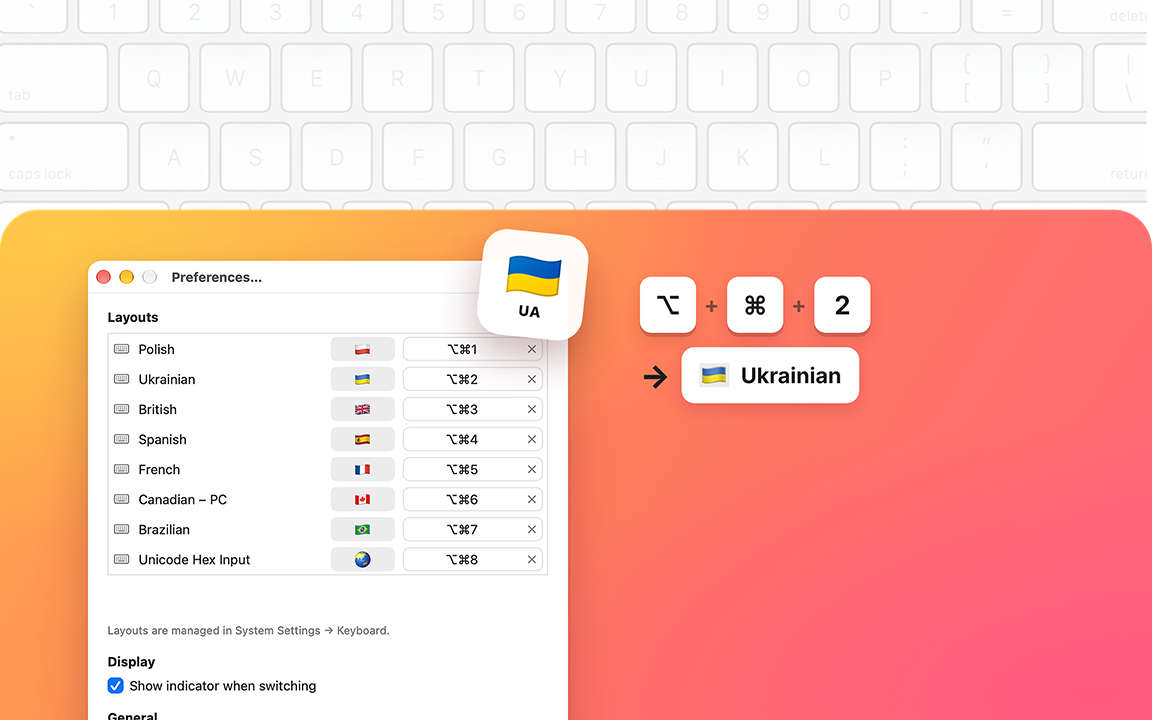
No more checking which language is selected. Just press the shortcut for the language you need, and it's on.
Press one shortcut, and you're typing in the language you need. It's that simple. After a day or two, you'll do it without thinking, and wonder how you ever switched languages any other way.
DirectSwitcher works with the languages you already have on your Mac. Each one gets its own shortcut, so every language is always just one press away, no matter which one was selected before.
One shortcut for each language
Pick the shortcuts that feel natural to you and change them whenever you like. Your fingers will remember them in no time.
Always know which language you're in
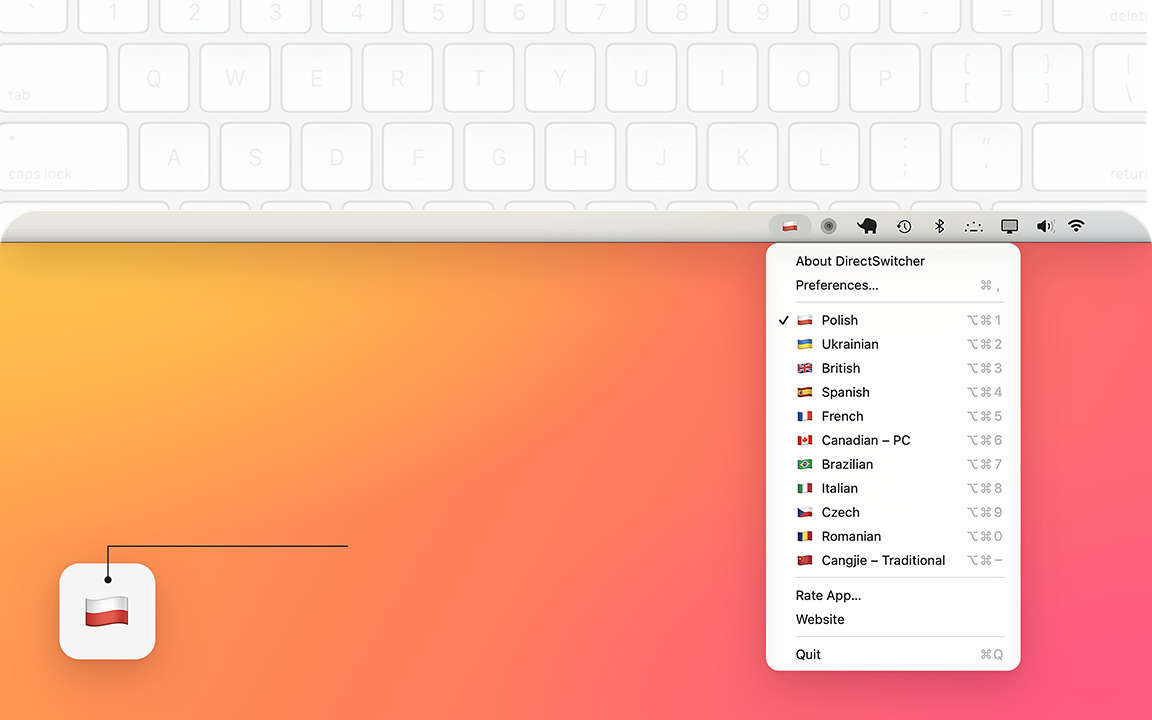
The on-screen hint is there when you want it and out of the way when you don't. Turn it on or off anytime in Preferences. And while you're still learning your shortcuts, just click the menu bar icon to see them all next to your languages.
Your own label for each language
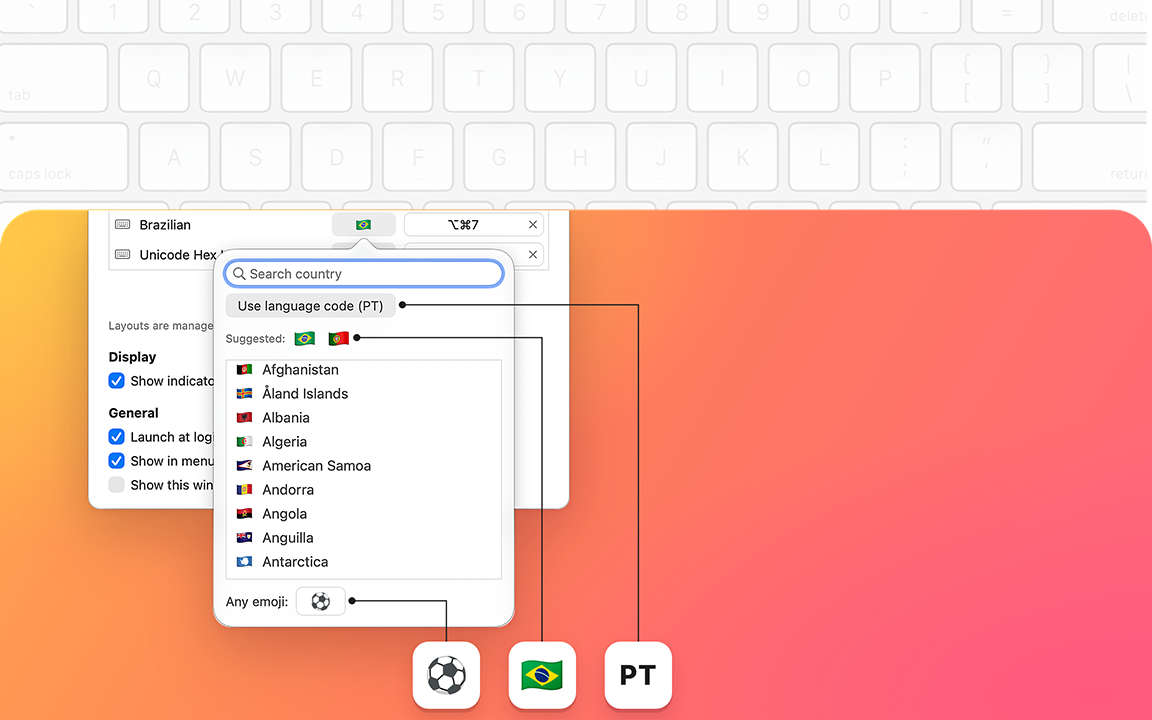
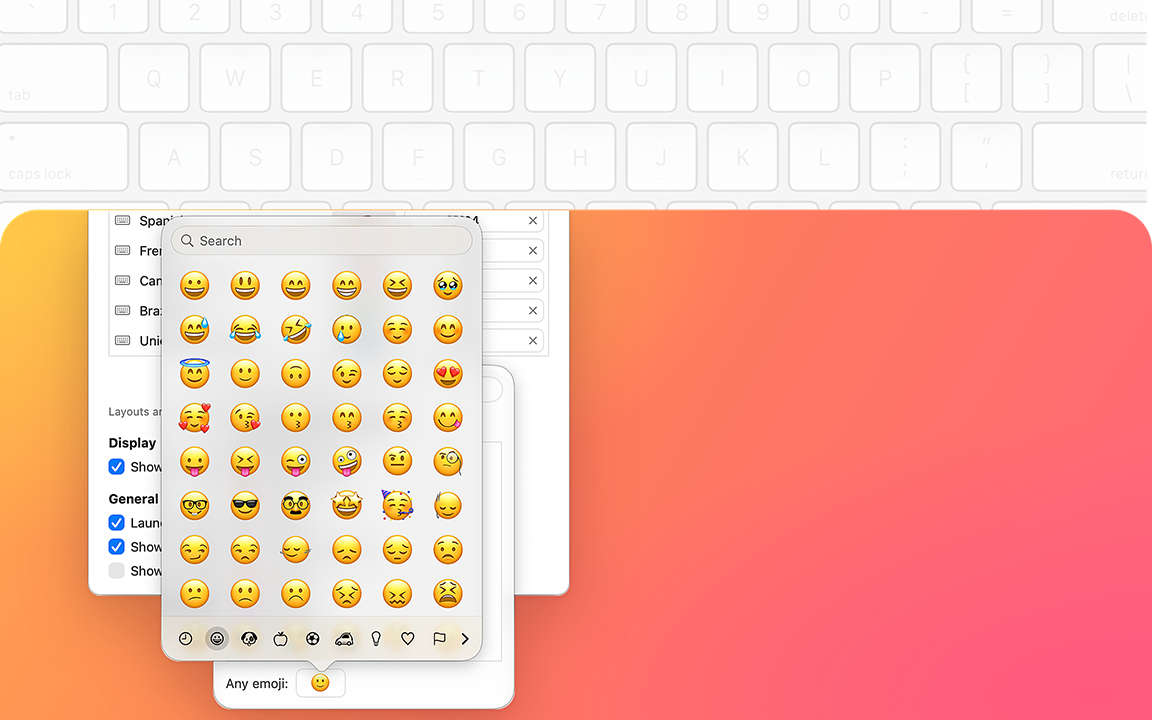
The menu bar shows your current language the way you like it. Keep it classic with a language code or a flag, or make it personal with an emoji. A small touch that makes your Mac feel a little more yours.
Tiny app, big difference
DirectSwitcher lives quietly in your menu bar. No account to create, nothing to set up online. Everything happens right on your Mac, so it works just as well on a plane as it does at home.
Made for everyone who writes in two, three or more languages every day: for work, for family, for friends. And you won't need apps that fix text typed in the wrong language anymore. You'll simply be typing in the right one from the start.